Unreliable Wi-Fi
Dead zones, overloaded access points, unstable connections, and slow performance across classrooms and offices.
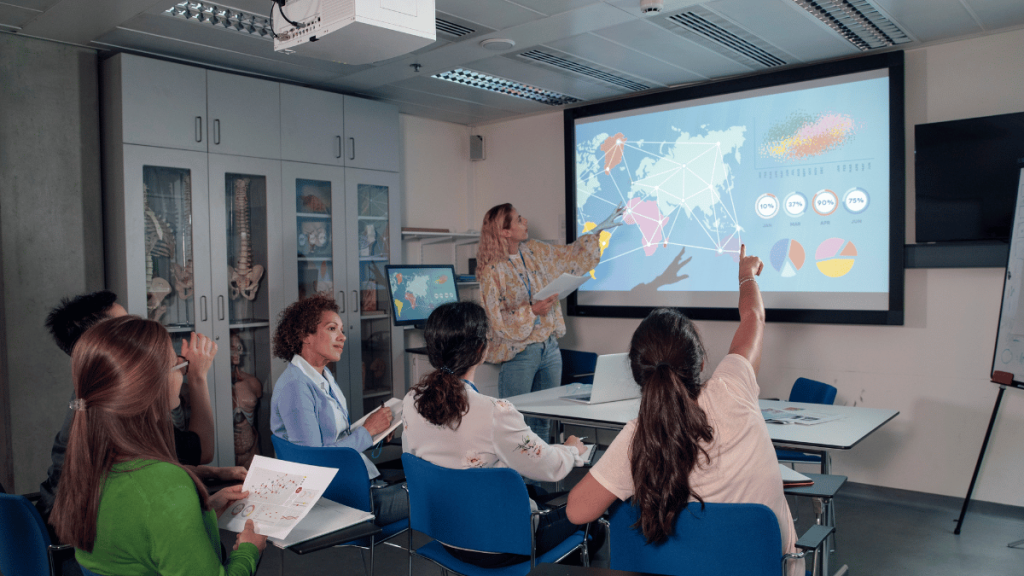
Arelova helps schools and educational organizations improve reliability, connectivity, device readiness, cybersecurity, cloud services, and access systems—without making technology harder for staff to manage.
Educational organizations rely on technology across classrooms, front offices, staff workspaces, shared devices, communications, cloud systems, and building access. Weakness in one area can affect the entire day.
Dead zones, overloaded access points, unstable connections, and slow performance across classrooms and offices.
Chromebooks, laptops, desktops, and shared devices that are difficult to track, update, or keep ready for use.
Weak passwords, phishing, unmanaged accounts, outdated systems, and poor separation between users or networks.
Permissions, shared files, account ownership, licensing, and collaboration tools that lack consistent administration.
Small teams and school staff being forced to solve technology problems without enough time, documentation, or support.
Doors, keypads, cards, intercoms, and access permissions that require better planning and management.
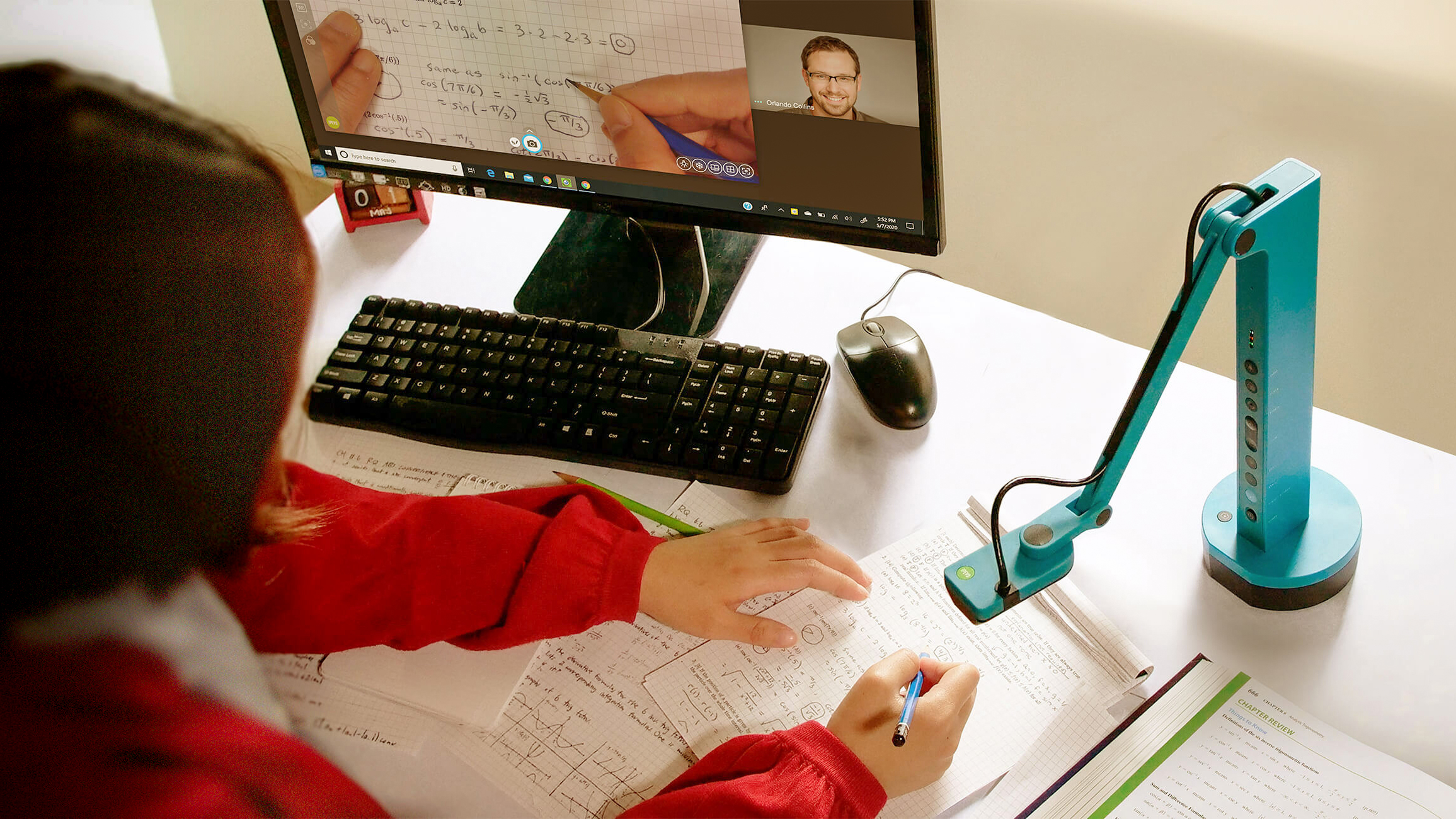
Arelova looks beyond individual devices. We consider the network, Wi-Fi, accounts, cloud services, security, support process, classroom tools, and physical environment as one connected system.
Technology should be available, connected, and ready before instruction begins.
Office and teaching staff need dependable email, files, devices, printing, and communication tools.
Accounts, permissions, devices, vendors, and warranties should be organized and documented.
Protection, backup, identity controls, and incident preparation should be built into the environment.
Services can be provided as a one-time project or through an ongoing managed plan, depending on the school’s needs, environment, and support expectations.
Planning, deployment, troubleshooting, segmentation, guest access, firewalls, switches, and wireless coverage.
Support for Chromebooks, laptops, desktops, shared devices, staff workstations, and technology rollouts.
Microsoft 365, Google Workspace, email, file sharing, permissions, user accounts, and collaboration tools.
Layered protection for accounts, devices, email, networks, and recovery systems.
Support for displays, projectors, teacher workstations, document cameras, charging stations, and connected classroom systems.
Planning and coordination for controlled entry using cards, fobs, keypads, electronic locks, and intercoms.
The strongest school environments are not built around one device or one vendor. They are built around consistent standards, documented systems, and technology that can be supported over time.
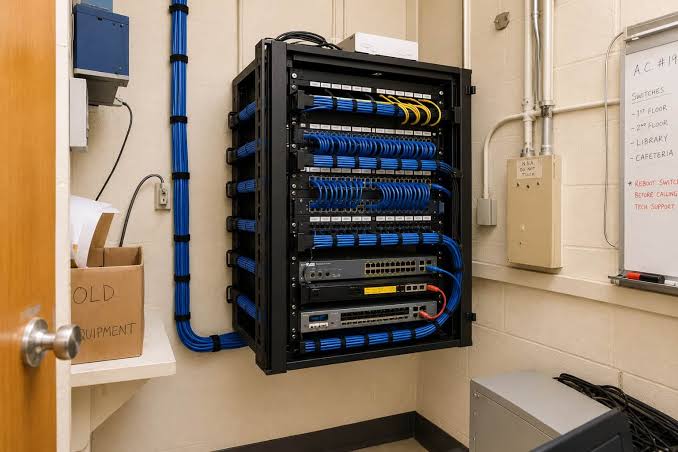
Reliable switching, Wi-Fi, internet, and cabling form the foundation for classrooms, offices, devices, and communications.
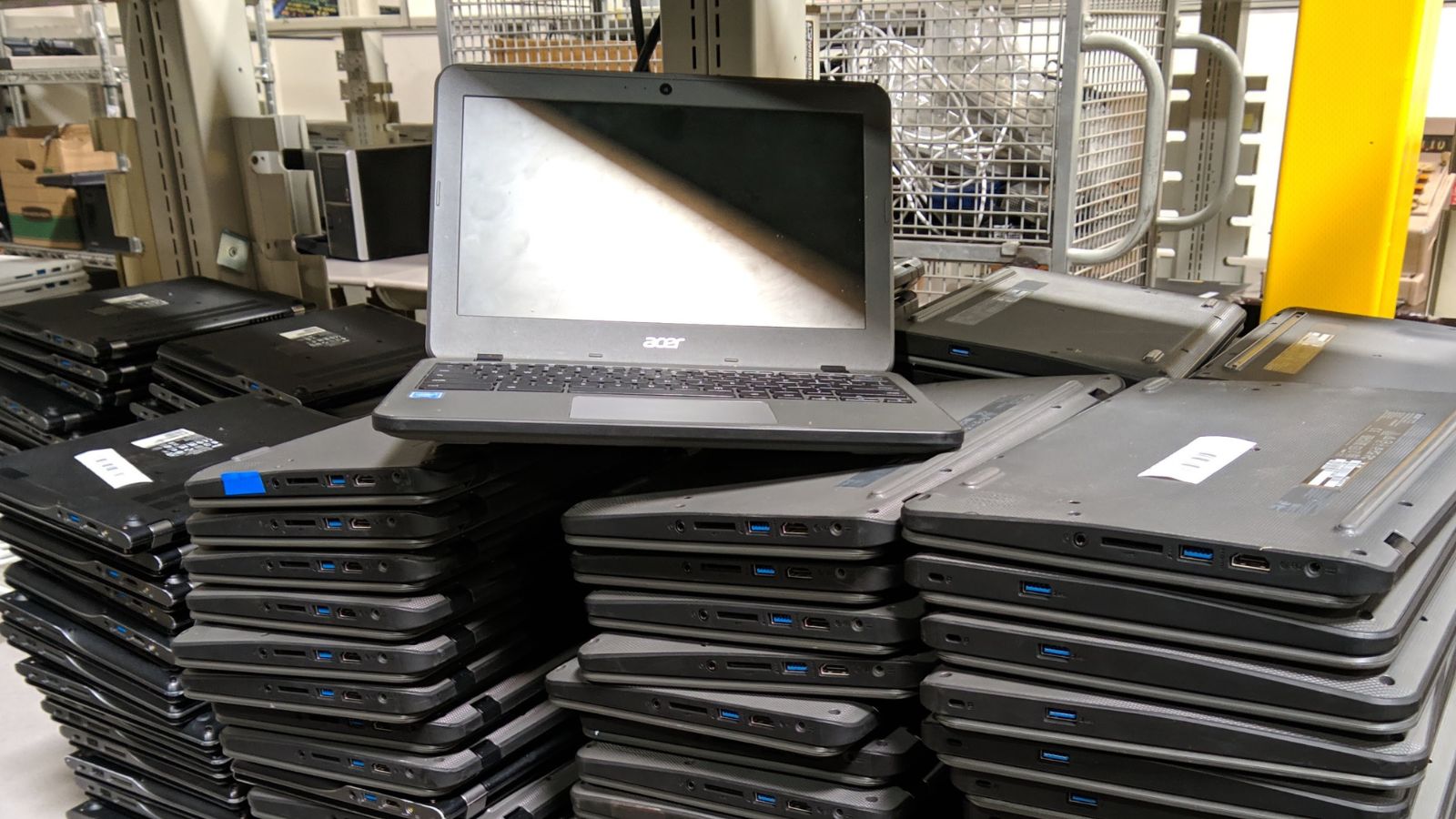
Shared and assigned devices need consistent setup, tracking, updates, and support.
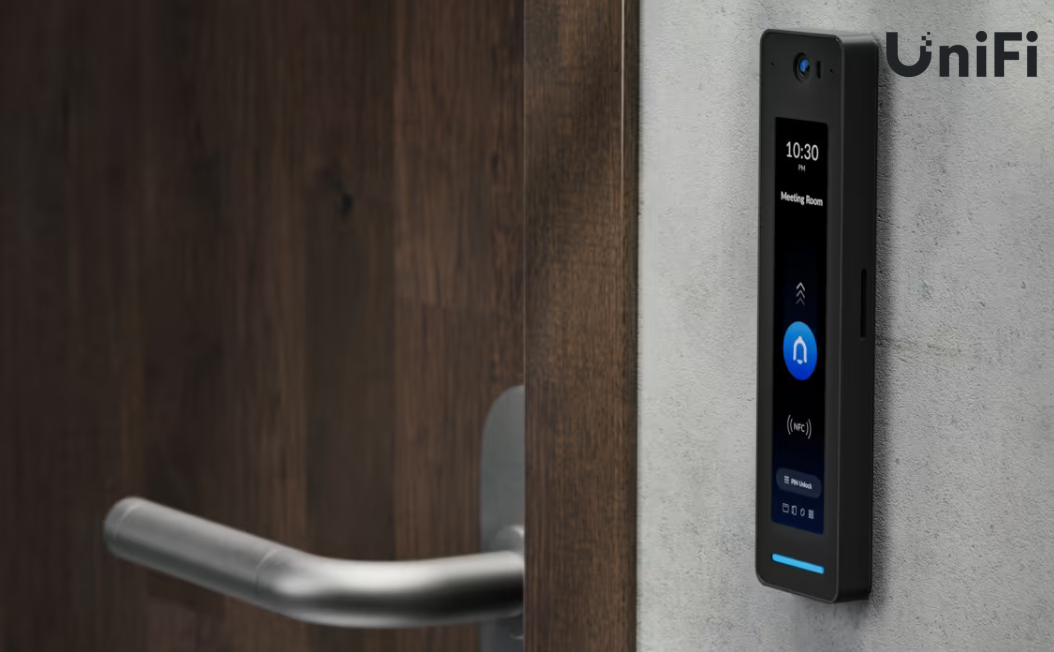
Access systems can help schools manage who enters specific spaces and when.
Security in education requires balance. Staff and students need systems that are accessible enough to support learning, while administrators need identity controls, device protection, secure networks, backups, and clear procedures.
Discuss the school’s users, spaces, systems, pain points, priorities, and desired outcome.
Review classrooms, offices, devices, network equipment, Wi-Fi, cloud services, and access needs.
Create a prioritized scope and quote based on risk, reliability, budget, timing, and disruption.
Schedule the work, minimize interruption, document the result, and provide ongoing support when agreed.
Arelova provides scheduled on-site and remote technology support for private schools, educational organizations, offices, and learning environments throughout Los Angeles County.
Arelova is positioned to support private schools and other educational organizations. Work for public institutions may involve additional procurement, insurance, contracting, licensing, and compliance requirements.
Yes. Arelova can assist with Chromebook deployment planning, device support, Google Workspace administration, accounts, permissions, shared drives, and related cloud services.
Yes. The process may include a site walkthrough, review of current equipment, coverage and capacity planning, access-point placement, network segmentation, and a written upgrade recommendation.
Projects can be scheduled around the organization’s calendar when practical. Timing, after-hours work, site access, and disruption expectations are discussed before the work begins.
Yes. Managed plans may include remote help desk support, device and account administration, network management, security, backups, scheduled on-site support, and technology planning.
This page does not advertise alarm or camera services. Access-control work is limited to planned entry systems such as cards, fobs, keypads, electronic locks, intercoms, and related management software, subject to scope and applicable requirements.
Start with an email describing the school, number of users and devices, location, current problems, project goals, and desired timing.